Playing a Tactical Card Game With a Gamepad: How Controller Support Works in Ancient Duel
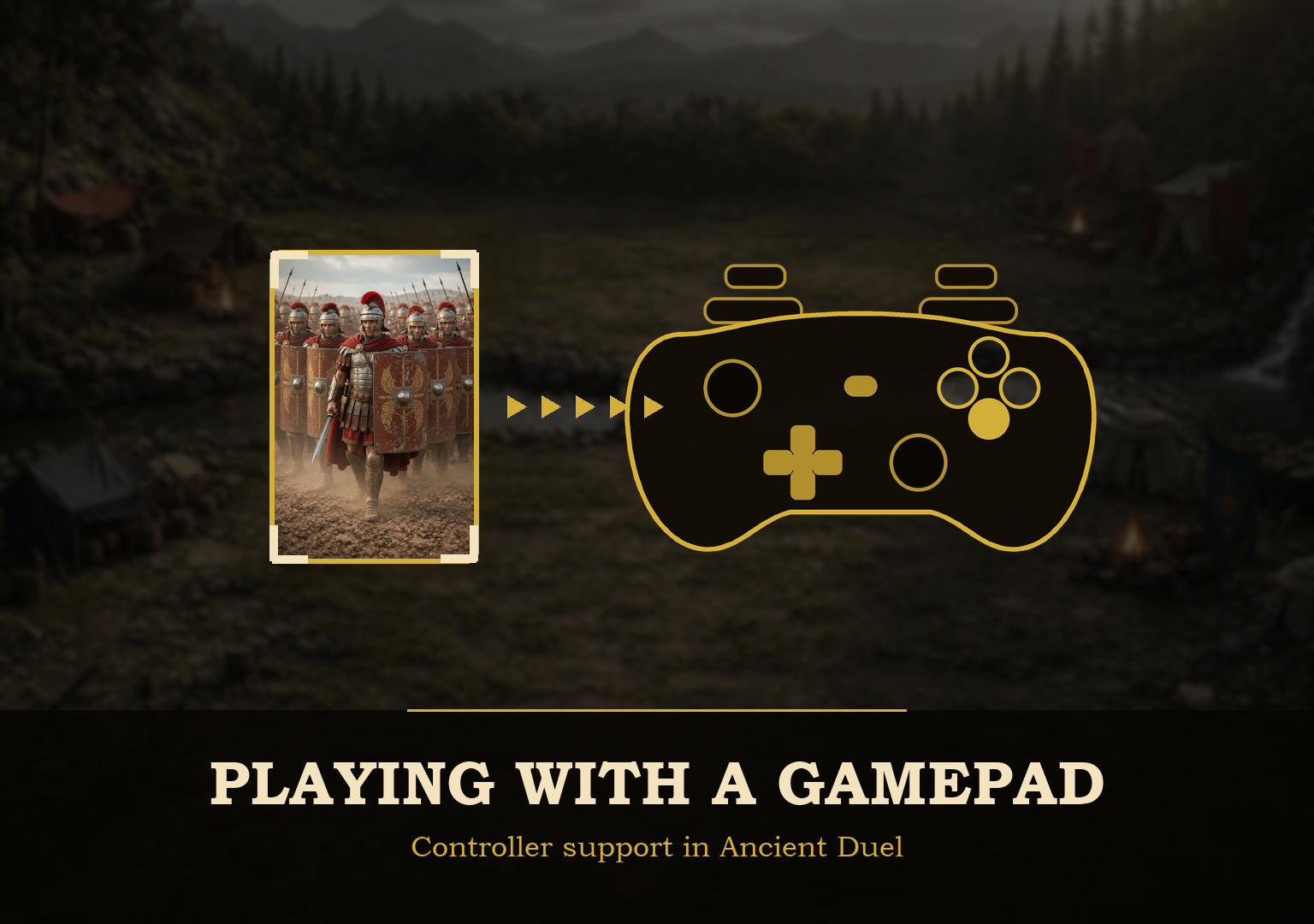
Controller support usually belongs to games about movement and aim. Ancient Duel has neither. It is a card game: you look at a board, think for a while, and then make one discrete choice.
Which is exactly why a gamepad turned out to suit it. Every action in a duel reduces to the same short list. Which card. Which position. Which target. Confirm. Go back. That is a controller's native vocabulary, and it is a poor fit for a device whose main talent is pointing at arbitrary pixels.
A controller should not pretend to be a mouse
The tempting shortcut is to let the stick push a cursor around the screen. It is quick to build and unpleasant to use: you end up steering a pointer across empty felt, doing analogue work to make a digital choice.
Ancient Duel moves the selection instead. The stick or d-pad steps between things that actually mean something — a card in hand, a unit on the field, a target, a button, a tab — and Confirm activates whatever is currently selected. You never aim. You say "next card", "that one", "yes".
The whole input layer follows one rule I set early and never broke: it never reimplements a game action. It moves focus and lets the button that was already there do its job. The game had been keyboard-operable since some accessibility work in April, so controller support did not require touching game logic at all. The reverse also holds: anything unreachable by keyboard is unreachable by pad. Making something navigable means making it a focus stop, not writing new input code.
The board was already a grid
A card game helps here in a way a 3D world does not. Ancient Duel's battlefield is a fixed, finite structure: four unit positions a side, a Commander slot in the middle, a strategy row, a hand, two graveyards, a terrain zone. There is no continuous space to traverse.
So the visual layout can simply become the navigation. Left and right step along a row, up and down move between hand and field, and the shoulder buttons jump whole zones at once rather than walking through everything in between. The right stick scrolls, and Start opens the controller settings.
Focus is the cursor
With a mouse, the player always knows what they are pointing at, because their hand is doing the pointing. Take the pointer away and the interface has to answer three questions at all times: what is selected, what will Confirm do to it, and what will Back undo.
That sounds obvious, and it is where most of the fiddly work went. A dialog that opens with the selection on its close button is technically navigable and practically useless: the game just asked which card you want to discard, and the highlight is sitting on ✕. Dialogs now open on their first real choice, and targeting modes put the selection on the first eligible target rather than merely highlighting them all, which was fine with a pointer and meant hunting without one.
Good controller support is not the state where every button is reachable. It is the state where you stop thinking about reaching them.
Never trust a button index
This is the part I badly underestimated.
A PC controller can report that it uses the standard layout and then enumerate its buttons however its firmware feels like. The pad I test against does exactly that, and to make it worse it prints 1 / 2 / 3 / 4 clockwise from the top instead of A/B/X/Y. So there are three separate facts hiding behind every press, and only the first is actually knowable: the raw input, the physical position of that button on the plastic, and the label printed next to it. A game that binds Confirm to "button 0" is guessing at two of the three.
Ancient Duel therefore has a calibration wizard, and it never infers anything from an index. It learns the physical position from your hands and the printed label from what you tell it is written on the device. Labels are chosen from a list rather than typed, because a controller has no letters on it — and they are not decoration: if you tell the game your bottom button reads "B" and the right one reads "A", you are holding Nintendo-conventioned hardware whatever the browser thinks, and Confirm and Back swap accordingly.
A control you skip stays silent. There is no falling back to a guessed index, because a shoulder button that confirms a surrender is precisely the failure calibration exists to prevent.
Calibration that cannot ask for a mouse
There is a paradox buried in this. A player whose controller is mapped wrongly is exactly the player who needs the calibration screen, and exactly the player who cannot navigate a normal menu to reach it.
So the rule the whole design follows is that you must be able to calibrate, label, save, reopen and repair a controller without a mouse or a keyboard. Those work on a desktop as a convenience; nothing may require them.
In practice that means the wizard opens on "press any button to begin" and accepts any raw button on any connected pad, and that press also decides which controller owns the session. Confirm and cancel come next and cannot be skipped. From the third question onward, the button you just named as the right face button walks you back a step, so pressing it enough times exits the wizard — the only way out that needs no pointer. Each capture step advances by itself, because a player who has just been told to press the bottom face button has no way to also press "Next".
Why it never asks about the stick
Eight questions, and every one is a button. Nothing directional is asked at all.
Partly because directions are the reliable part: on a standard-mapped controller the left stick arrives as the first two axes, which makes directional input far more predictable than buttons a manufacturer numbered however it liked. Mostly because of something I only understood after watching it fail. A button is either down or it is not. An axis has no meaningful released state — a worn stick wanders, a d-pad hat rests at 3.29, a trigger sits at −1 — and any of those can answer a question nobody asked, or refuse to let a step finish for a reason nothing on screen can explain. Not asking removed a whole category of unexplainable behaviour.
Holding a direction repeats, at a speed you can set, along with the dead zone if your stick drifts.
Typing with no letters
Then you hit a text field, and a controller has nothing to offer. Logging in, naming a deck, searching the card pool: all of it needs characters that no gamepad has.
So Confirm on a text field opens a full QWERTY keyboard on screen. It is ordinary buttons in an ordinary layer, which means the same navigation moves around it and Back closes it like anything else. A player with a real keyboard never sees it.
One detail I did not expect to matter: the layout uses true physical stagger, the same quarter-unit offsets an ANSI keyboard has. Navigation reads the rendered geometry to decide where "up" goes, so the stagger is what puts W over the gap between A and S. Rounder numbers actively fail — a stagger of exactly half a unit leaves every key equidistant between the two below it, and the tie falls to whatever order the markup happens to be in.
What the controller found in the rest of the game
The most useful thing about this work is what it exposed. A mouse lets a player paper over interface problems by pointing directly at what they want. A controller cannot, so the interface has to make those relationships explicit — and several places turned out not to.
Saved decks were not focus stops, which meant a deck could not be opened at all without a mouse. Graveyards and terrain were the same. The deck builder rebuilt both its columns whenever you added a card, destroying the button you had just pressed and dropping your place; it now remembers the card and the action and finds them again. The browser's own confirm and alert dialogs sit outside the app's focus model entirely, so they were replaced with in-page ones that open on the safe answer.
None of those are controller bugs. They are interface bugs that a pointer had been quietly compensating for, and fixing them made the game better for people who will never touch a gamepad.
Steam, sofas and the Deck
The same code runs in the browser, in the Windows build used for Steam, and in the macOS build, and all three use the same controller system and the same configuration logic — though the settings themselves are kept on the device rather than on your account.
What that buys is simple: a PC stops being only a desk. The same build works on a laptop, on a machine plugged into a television, and from a sofa with a pad. A card game suits that better than most genres, because the natural posture for Ancient Duel is sitting back and thinking rather than leaning forward and clicking.
For handhelds like the Steam Deck the honest position is that the groundwork is done and the testing is not. Steam Input can expose controller input through a standard, XInput-compatible mapping, so the model already in place is a useful foundation in principle, and a game that never assumes a mouse is an important prerequisite for that class of device. I have not verified Ancient Duel on the hardware itself, so I will not claim that it works there. There is also a TV mode that adds a title-safe margin, because some television setups still apply overscan and crop part of the image at the edges, which is enough to put the surrender button off the screen.
The same reasoning applies to any future platform. A console version would need far more than input work: SDKs, certification, platform services, packaging, store approval. But one barrier can be removed early, and it is the one touching every screen — the game should not assume a mouse exists. That does not make anything ready for a console. It keeps open a door that is expensive to reopen later.
The mouse did not go anywhere
None of this replaces anything. Mouse and keyboard work exactly as they did, and on a desktop they are still faster. The point was never to pick an input device on the player's behalf.
A duel played with a controller is not a different duel. The same card is selected, the same target is chosen, the same decision is made and lived with. All that changes is how the choice reaches the game — and the fewer assumptions Ancient Duel makes about what is in your hands, the more places that same duel can be played.
Daniel Rusu
Creator & Developer of Ancient Duel